
What’s new in FieldGrid: October 2026
Alex gets smarter early warnings, integrations expand to Slack, Teams and Procore, and the mobile app is faster offline.
This month at a glance
October’s release focuses on three things our customers asked for most: earlier warnings when a project starts to drift, less manual work turning crew notes into tasks, and a mobile app that feels instant even with no signal. Here is what changed and how to use it.
Alex: early warnings across every project
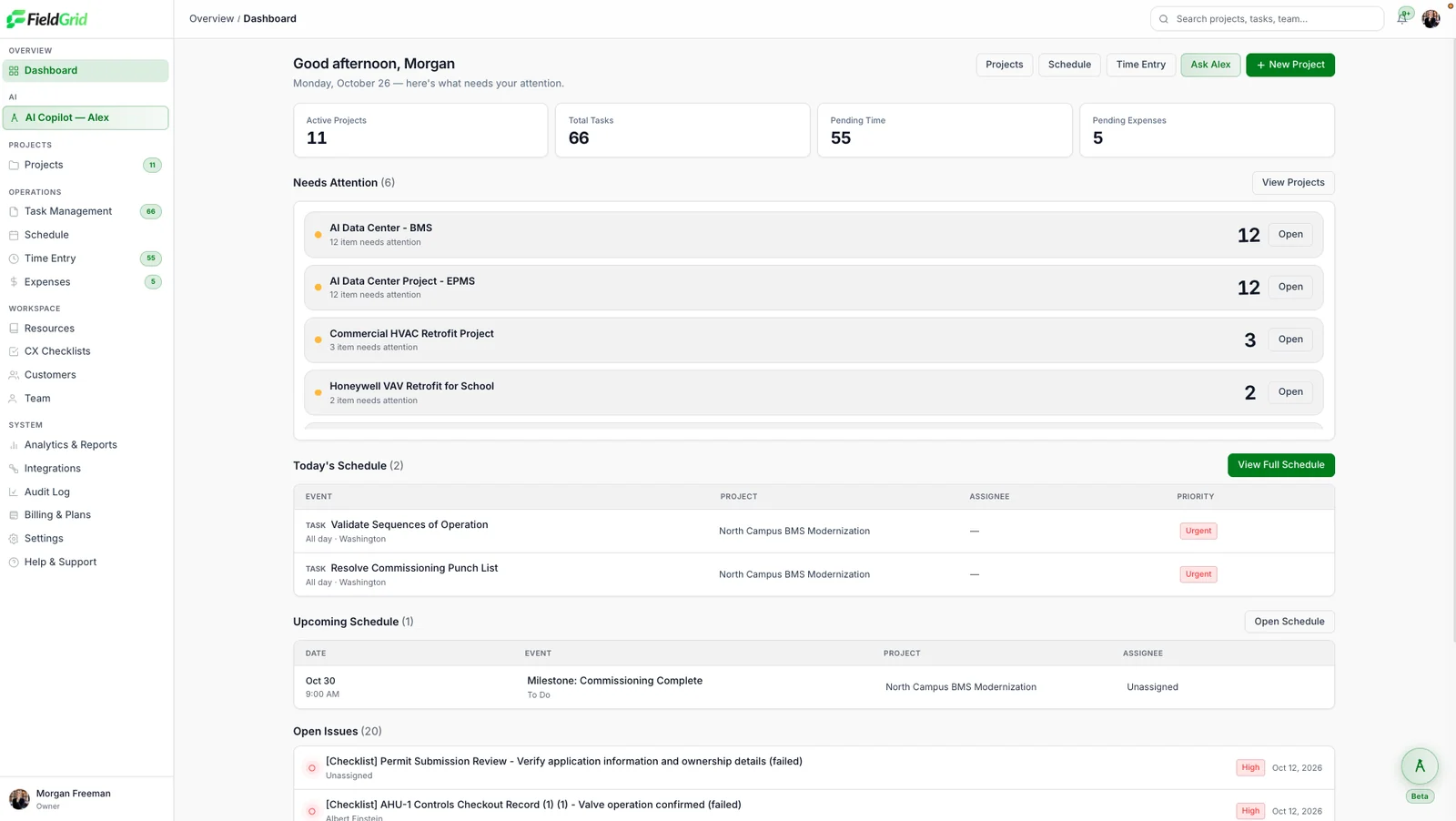
Alex now watches schedules, budgets and reporting across all of your projects and flags what is drifting. Examples include a task likely to slip based on recent progress, a job where labour hours are running ahead of completion, or a crew that has not filed today’s report.
Each warning links back to the updates it came from, so you can see exactly why it was raised and decide whether it needs action. Warnings appear on the dashboard and in a daily digest for project managers and operations leads. You can adjust which warnings each role receives from Settings → Alerts.
Next steps from crew notes
When a crew note or voice memo mentions a follow-up, such as “need to reorder filters” or “GC to confirm access on Thursday”, Alex drafts a task with a suggested owner and due date. Drafts appear in the project’s review queue.
You can approve them one by one, edit them first, or approve a batch at once. Nothing is created or assigned until someone on your team confirms it, and every task keeps a link to the note it came from.
New integrations
You can now connect FieldGrid to Slack, Microsoft Teams, Google Calendar, Google Drive, QuickBooks and Procore. Admins can set them up from Settings → Integrations in a few minutes.
- Slack and Teams: post daily report summaries and schedule reminders to the right channels.
- Google Calendar: assigned tasks and schedule events appear on each person’s calendar.
- Google Drive: mirror project documents and photos into shared folders.
- QuickBooks: sync expenses and invoices so job costs stay current.
- Procore: push project and issue updates without double entry.
Dropbox, OneDrive and Egnyte are coming next. See all integrations.
A faster mobile app, even offline
- Reports, photos and checklists now open instantly with no signal.
- Sync is quicker and resumes automatically after a dropped connection, without duplicates.
- Voice notes are transcribed into the report, so they can be searched and summarised.
- Large photo batches upload in the background while you keep working.
Update to the latest version from the App Store or Google Play to get these improvements.
Checklist improvements
Failed checklist items now open a linked corrective-action issue automatically, assigned to the checklist owner by default. When the issue is resolved, the item can be re-tested from the same screen.
Checklists also show live pass, fail and pending counts at the top, so a PM can see the state of a startup or inspection at a glance without scrolling through every item.
Tell us what you think
Many of these changes came directly from customer requests. If something could work better for your crews, let your account manager know or contact our support team. We read every message.