 Available
Google Drive
Storage
Import files and mirror project documents to Drive.
- Project folders
- Drawings & specs

Learn
 Featured guide
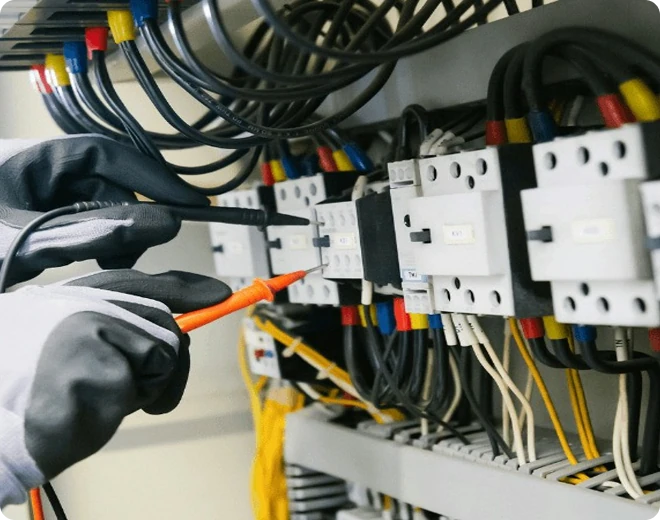
How to run a paperless job site
A practical walkthrough for moving daily reporting off paper.
Read the guide
Send daily reports to Slack or Teams, sync tasks to calendars, keep job costs in QuickBooks and push updates to Procore, all without re-typing a thing.
AvailableStorage
Import files and mirror project documents to Drive.
 Available
Communication
Sync assigned tasks and schedule events to each teammate’s own calendar.
 Available
Communication
Send schedule reminders and daily report summaries to your channels.
 Available
Communication
Post project updates and daily reports into Teams channels.
 Available
Finance
Sync expenses and invoices so job costs stay current in your books.
 Available
Field ops
Push project and issue updates to Procore, without double entry.
 Coming soon
Storage
Bring folders and files in from Dropbox.
Storage
Attach Microsoft files and shared folders to projects.
Storage
Pull controlled project documents from shared workspaces.
No integrations in this category yet.
An admin connects the app from Settings → Integrations and signs in once.
Pick the projects, channels or folders to link, and what should flow each way.
Reports, tasks and costs update automatically as crews work. Disconnect any time.
Tell us what your team uses. We prioritise new integrations based on customer requests.