Field reporting best practices for HVAC teams
What to capture at the unit, how to structure startups and service visits, and how to make reports useful to the office.
Why HVAC reporting is different
HVAC work produces a lot of detailed, technical information: model and serial numbers, pressures, temperatures, airflow, electrical readings, refrigerant charges. Much of it matters long after the job is finished, for warranty claims, service visits, energy audits and handover to the building owner.
That makes good reporting more valuable than in many trades, and also harder. A vague note like “unit running fine” is almost useless six months later. A clear record with readings, photos and context can save hours of diagnosis on the next visit. These practices help technicians capture the right information without slowing down.
Capture at the unit, not in the truck
Readings, nameplate photos and notes are most accurate when they are captured standing at the equipment. Writing them down later, from memory or from scraps of paper, is where transcription errors creep in.
Build your checklist so a technician can complete it there, in the order they would naturally work: nameplate first, then visual inspection, then electrical, then operating readings. If the form makes them jump around, they will fill it in at the end instead.
Make sure the tool works offline. Rooftops and plant rooms often have poor coverage, and nobody should have to walk back to the van to save a reading.
Structure startups the same way every time
A consistent startup structure makes reports comparable across technicians and sites, and it makes it obvious when something is missing. A good default looks like this:
- Identification: nameplate and model photos, serial number, location and tag.
- Pre-start checks: power and isolation, rotation, filters, belts, drains, clearances.
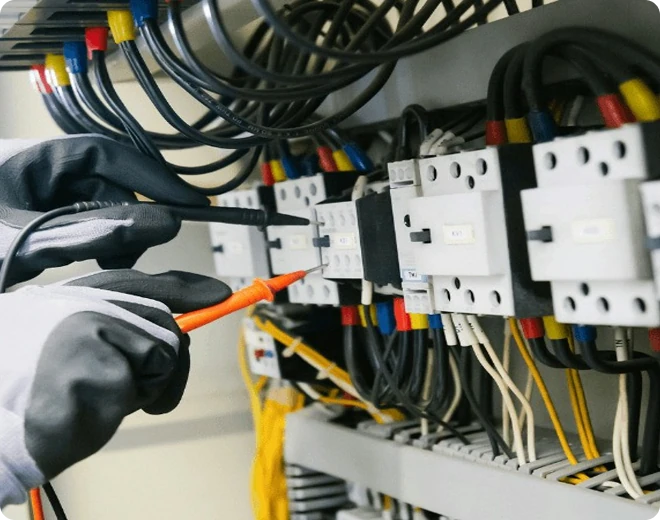
- Operating readings: voltages, amps, pressures, temperatures and airflow, each with its expected range.
- Controls: setpoints, sensor checks and communication with the building management system.
- Sign-off: who completed it, when, and any open items flagged as issues.
Showing the expected range next to each reading helps technicians spot problems on the spot rather than leaving them for someone in the office to notice later.
Use photos with purpose
Photos are the fastest way to record condition, but a camera roll full of unlabelled pictures is not a record. Ask for specific photos at specific steps: the nameplate, the filter before and after, the condensate drain, the wiring at the disconnect, any damage found on arrival.
Each photo should be attached to the step and the piece of equipment it relates to, with a timestamp. That turns a picture into evidence that is easy to find when a client or manufacturer asks.
Make service visits searchable
Tie every visit to the piece of equipment, not just the site. When the same unit comes up again, the next technician can see its full history in seconds: previous readings, parts replaced, recurring faults and photos from earlier visits.
This is where consistent structure pays off. If readings are always recorded in the same fields, you can compare them over time and spot a compressor that is slowly drawing more current or a coil that keeps icing up. Free-text notes rarely allow that.
Turn failures into tracked issues
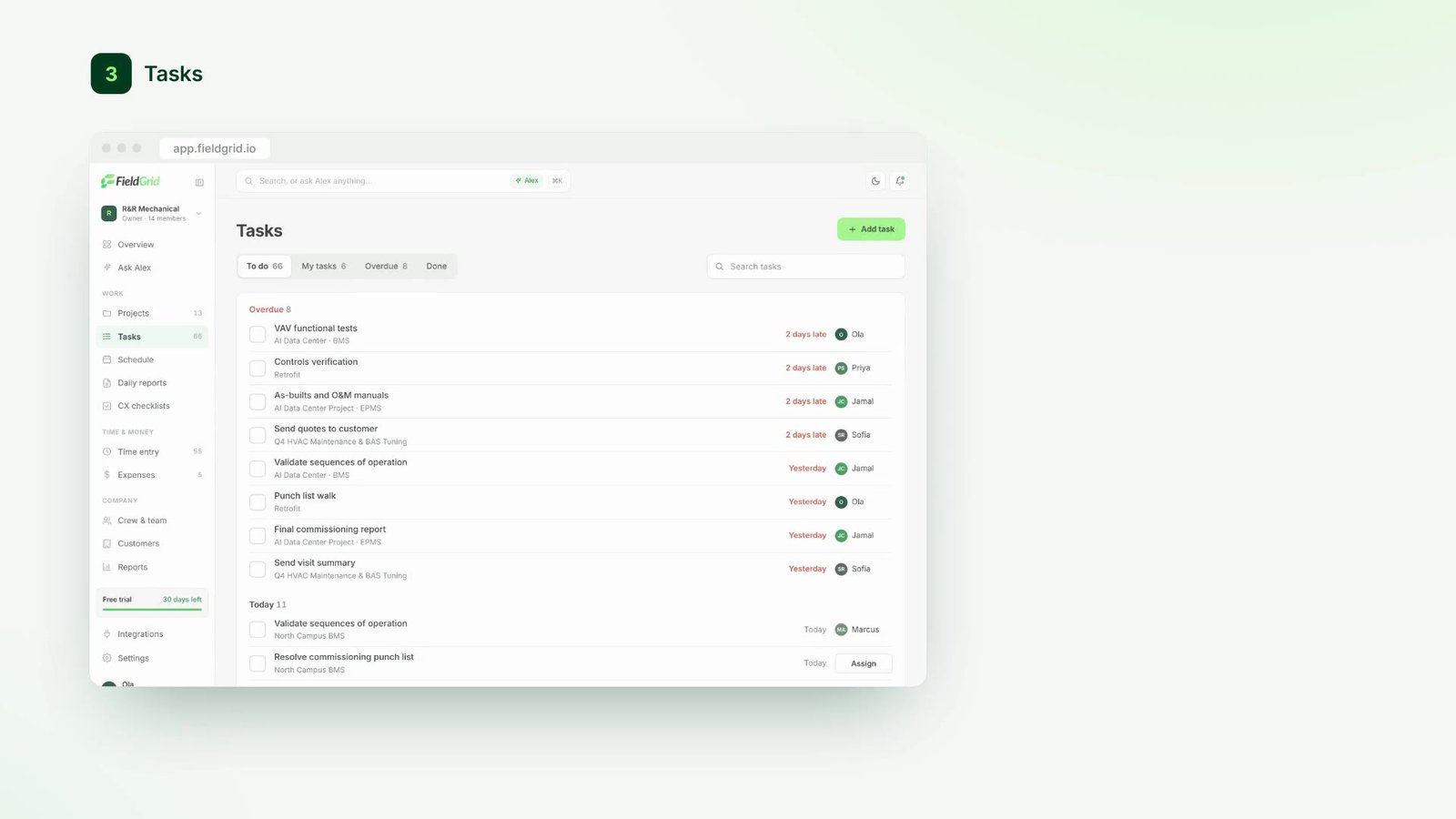
When a check fails, it should not just be a red mark on a form. It should open an issue with an owner, a priority and a due date, linked back to the unit and the reading that failed. In FieldGrid, failed checklist items do this automatically.
That way, a missing part or a fault waiting on the manufacturer is visible to the project manager the same day, and it cannot be forgotten when the technician moves on to the next job.
Write for the office, not for the file
The office needs to know three things from every visit: what was done, what is still open, and what needs a decision. Detailed readings belong in the record, but they should not bury the summary.
Let Alex draft the written summary from the checklist, photos and voice notes, so the report leads with the points a project manager needs and links to the detail underneath. Technicians spend less time writing, and the office spends less time reading.