A guide to construction documentation requirements
What to record, how long to keep it, and how to make sure your records hold up when a client or inspector asks.
Why documentation matters more than ever
Good documentation protects you. It supports your invoices, answers client questions, backs you up in disputes, satisfies inspectors and makes handover smoother. Poor documentation does the opposite: it turns simple questions into arguments and leaves you unable to prove work you know you did.
Requirements vary by contract, client and jurisdiction, so always check the specifics for your projects. This guide covers the common ground: what to record, what makes a record reliable, and how to make documentation part of the daily routine rather than a chore.
What to document on every job
- Daily logs: crew on site, hours, weather, work completed, deliveries, visitors and delays.
- Photos: progress, concealed work before it is covered, existing conditions on arrival and any damage.
- Inspections and checklists: results, who carried them out and who signed them off.
- Changes and RFIs: what was asked, who approved it, when, and the cost or time impact.
- Issues: what was found, who owned it, how it was resolved and the evidence.
- Safety records: toolbox talks, inductions, permits and incidents.
Not every job needs every item in the same depth, but having a standard list means nothing important is left to chance.
Get daily logs right
The daily log is the backbone of your project record. It is often the first thing a lawyer, client or inspector asks for, because it shows what was happening on site on a given day.
Keep it factual and specific. “Delayed” is less useful than “Pipe delivery due 8 a.m. arrived 1 p.m., crew of four reassigned to second floor rough-in.” Record weather, especially when it affects the work, and note any instructions received on site, including who gave them.
Most importantly, complete it the same day. A log written up at the end of the week is far less credible and far less accurate.
Make photos count
Photos are often the strongest evidence you have, but only if they can be found and trusted. A good project photo shows what you are documenting clearly, has a timestamp, and is attached to the right location or task.
Pay special attention to work that will be hidden: services in walls and ceilings, below-slab work, insulation and fire stopping. Once it is covered, a photo may be the only proof of how it was installed.
What makes a record hold up
A record is only as strong as its context. Three things turn a note or a photo into evidence:
- When: an automatic timestamp, not a date someone typed later.
- Who: the person who captured it, from their own account.
- Where and what: a link to the right project, area, task or piece of equipment.
Records that are edited should keep their history, so it is clear what changed, when and by whom. A system that lets anyone overwrite entries without a trace weakens every record in it.
Document changes as they happen
Many disputes come down to changes: extra work requested on site, revised drawings, or instructions given verbally. Record every change when it happens, with who requested it, what was agreed and any impact on cost or schedule.
Even when a change is informal, a quick note with a photo and the name of the person who gave the instruction is far better than relying on memory weeks later.
How long to keep it
Retention requirements depend on your contracts, clients and local regulations, so check yours with your legal or compliance advisers. Many contractors keep project records for several years after completion, and some types of record need to be kept longer.
Storing records in one searchable system makes this painless. When a question comes up years later, you can find the logs, photos and sign-offs for a specific area or date in minutes instead of searching through archived boxes.
Build the habit into the workflow
Documentation fails when it is a separate task at the end of the day. Make it part of the work instead: photos inside the checklist steps, issues opened directly from a failed item, and reports filed before the crew leaves site.
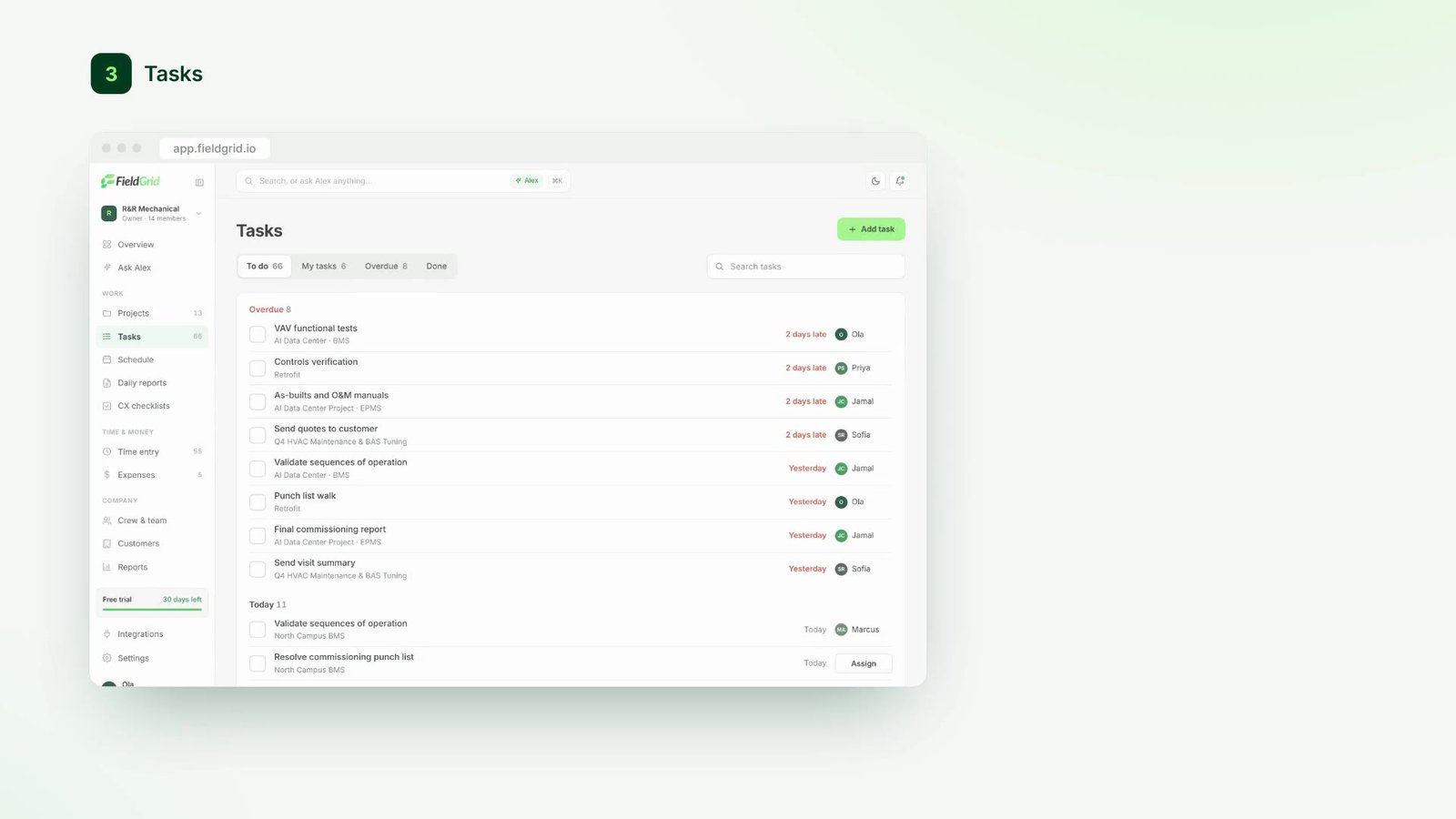
Tools help. In FieldGrid, crews capture photos, notes and checklists on site, even offline, and everything is timestamped and linked to the project automatically. Alex can turn the day’s updates into a written summary, so the record is complete without anyone typing it up at night.