

Live status at a glance
Active jobs, open issues, and items waiting for review, updated as crews report in.

Learn
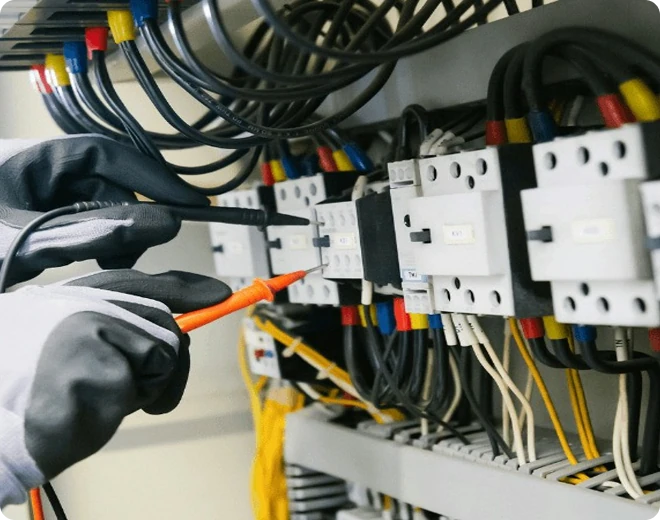 Featured guide
How to run a paperless job site
A practical walkthrough for moving daily reporting off paper.
Read the guide
Keep crews, projects, updates, and decisions connected, from the jobsite to the office.
A quick look at how FieldGrid connects your crews, projects and office.
Scattered updates, manual reporting, and disconnected workflows make it harder to know what's happening on-site and what needs attention next.

Important details get buried in calls, messages, and side conversations.
Field teams spend time documenting work instead of moving to the next task.
Managers chase people for progress updates and outstanding issues.
Problems surface late because the information needed to spot them is incomplete or disconnected.
Give field teams the tools to do the work, and give managers the visibility to keep everything moving.
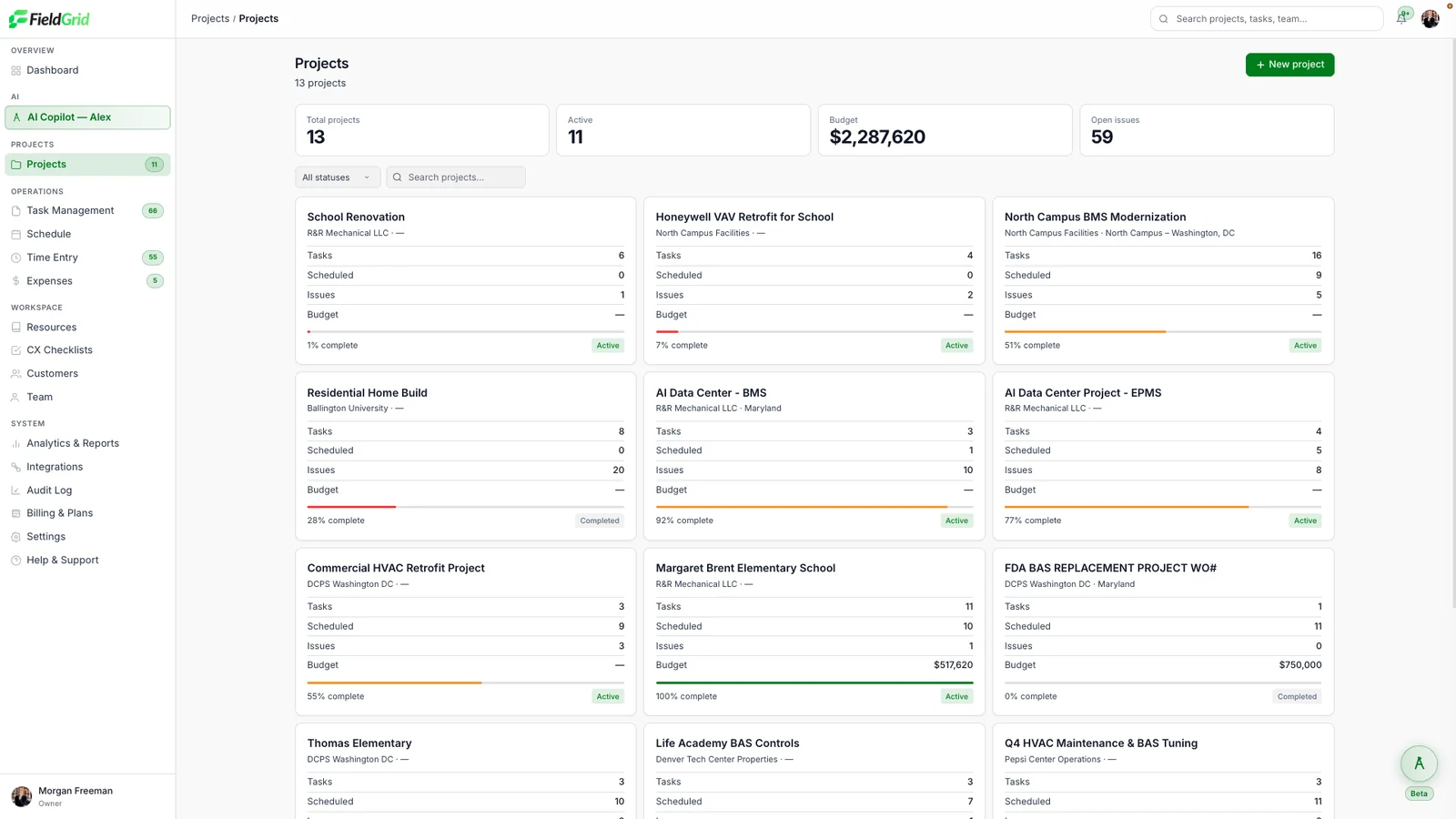

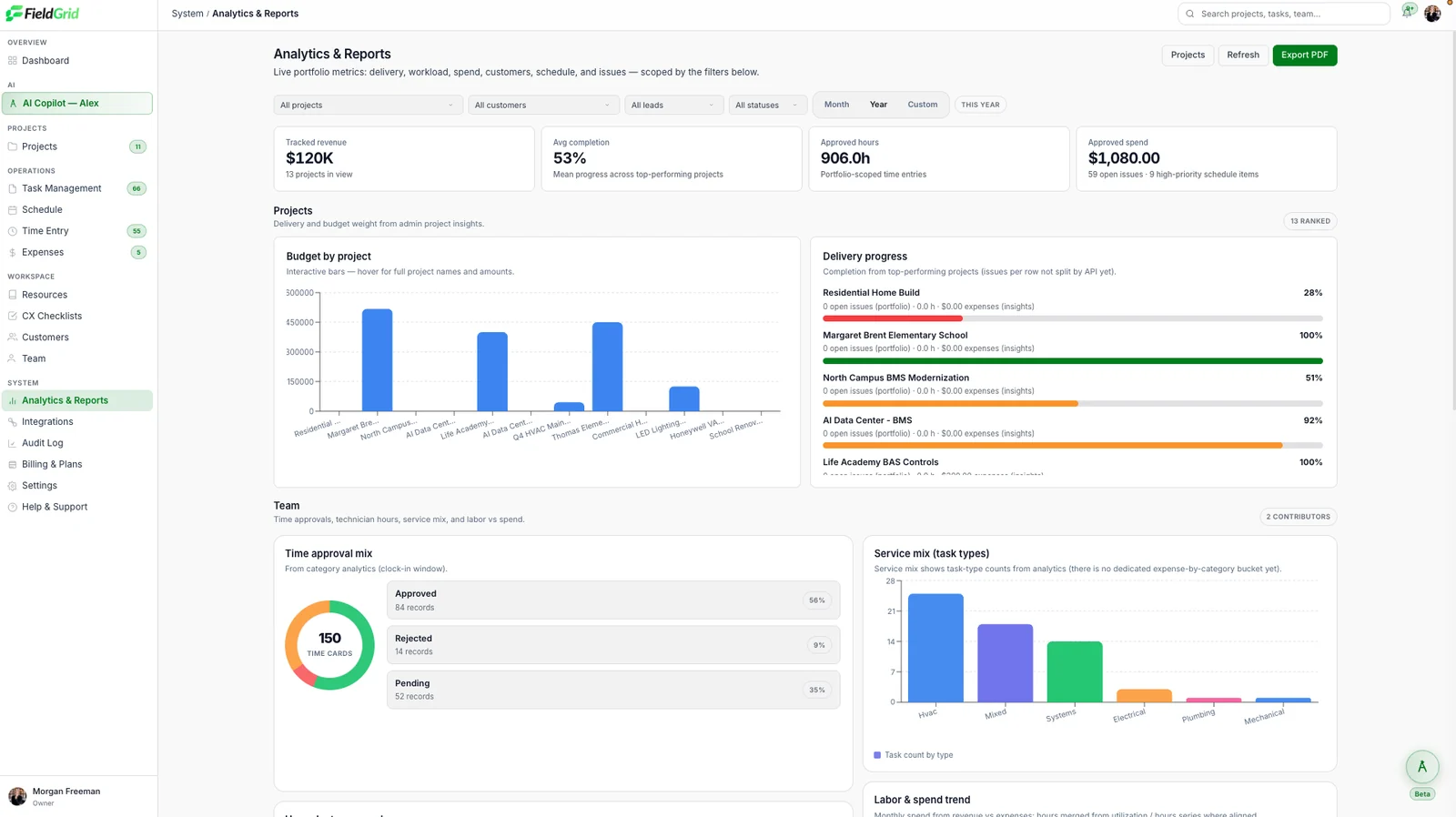
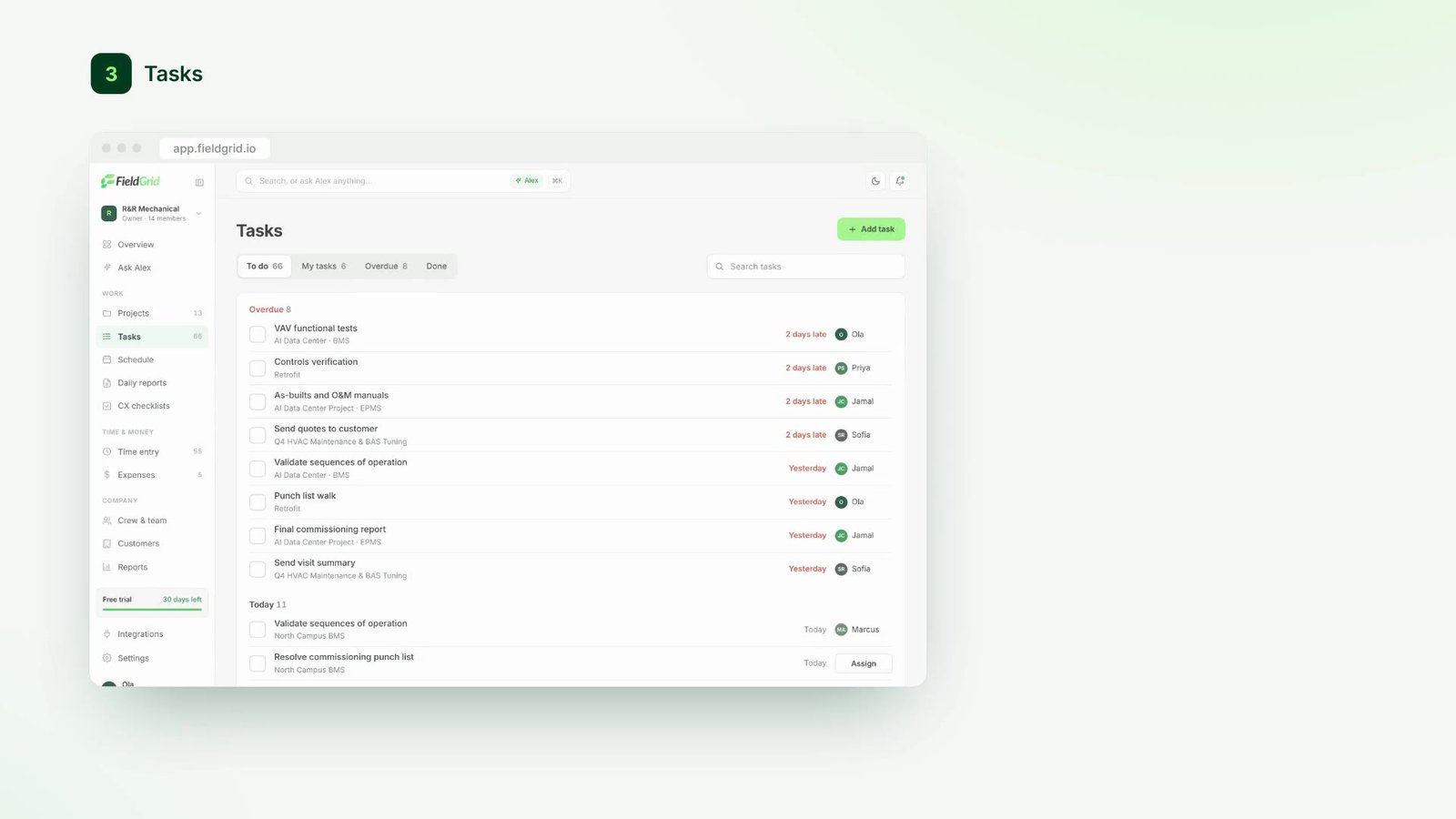
Active jobs, open issues, and items waiting for review, updated as crews report in.
Each job shows status, completion, and flags so you can see what's moving and what's stuck.
Issues, reviews, and delays surface in one list, so the next decision is obvious.
Want the full tour?See it live in a 30-minute demo.
Schedule a DemoCapture what happens on-site. Turn it into useful information. Keep the work moving.
Field teams provide information through voice, text, photos, forms, or other available input methods.
FieldGrid interprets the update and connects it to the relevant job, project, checklist, or issue.
FieldGrid prepares the relevant update, issue, follow-up, or recommended next step.
Once confirmed, the record is saved and the next step becomes trackable.
Alex works from what your crews already capture and turns it into summaries, next steps and early warnings. Nothing changes until a person approves it.
Alex reads everything your crews capture (notes, photos, voice memos and checklists) and writes one clear summary per job, so nobody stays late to type up the day.
See it in actionAlex pulls follow-ups out of what crews say on site and drafts them as tasks with an owner and a due date. A person approves them before anything changes.
See it in actionAlex watches schedules, budgets and reporting across every project and flags what's drifting, like a likely slip, an overspend or a missing report, while there's still time to act.
See it in actionAsk in plain language and get an answer drawn from your own project record, with links back to the reports, photos and schedule entries it came from.
See it in actionStop chasing information across texts, emails, and paper notes. FieldGrid keeps everyone on the same page, in real time.
Book a demoUpdates scattered across five tools and a dozen people.
Everything in one place. Updated in real time. Traceable. Done.
Whether you're in a mechanical room, on a rooftop or underground, FieldGrid works where you do.
Stay productive, even without signal.
Optimized for phones and tablets.
Document everything in the moment.
Built for complex, multi-site operations.
Know where work happens in real time.
Keep a complete, organized history.
Send reports to Slack or Teams, sync tasks to Google Calendar, keep job costs in QuickBooks and push updates to Procore.
See all integrationsA 30-minute walkthrough tailored to your team's workflows.
 Crew note · Trench 3 · 7:42 AM


 +1